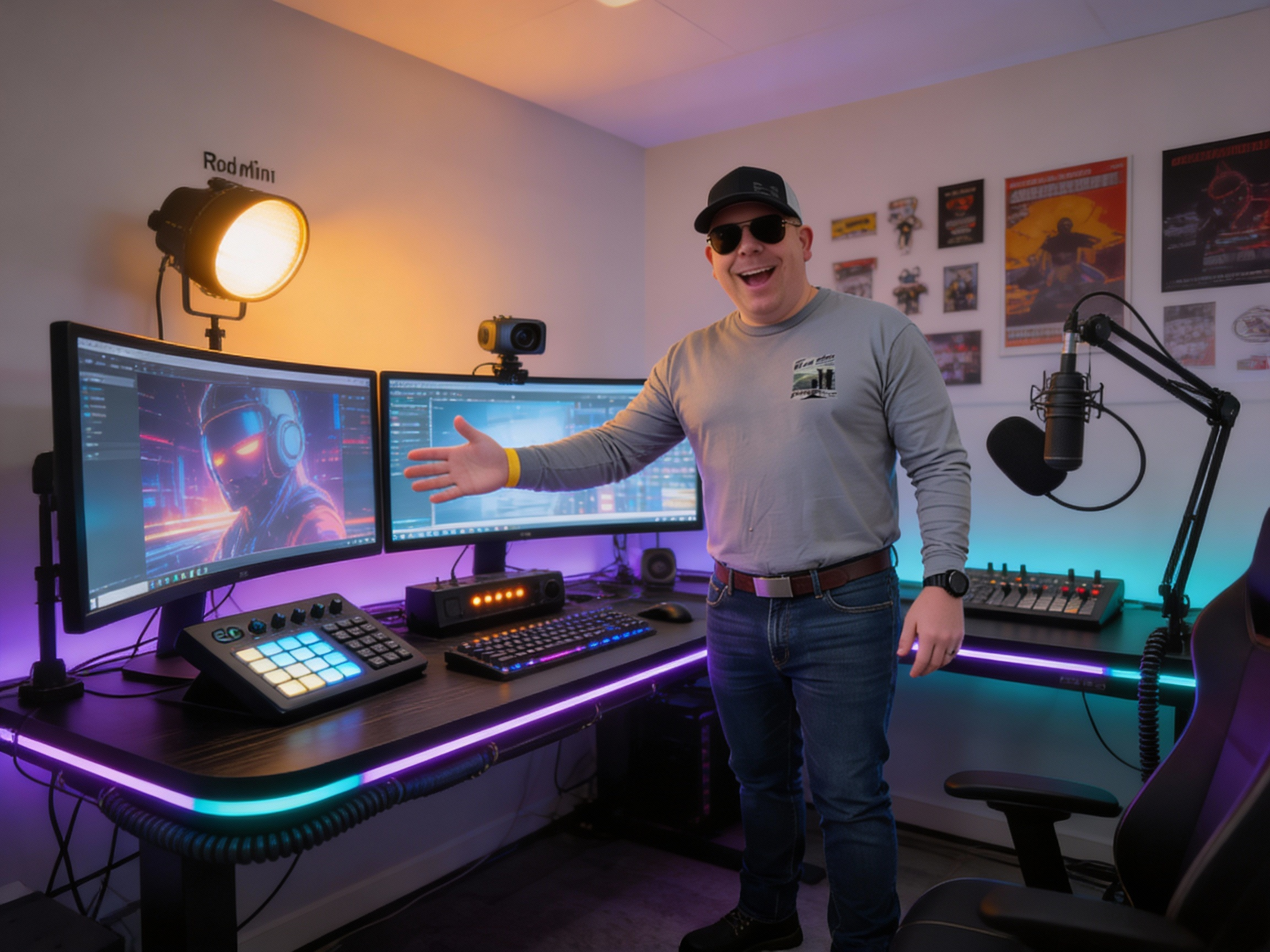
My Recording & Streaming Setup: Built With Intention, Not Guesswork
This setup wasn’t thrown together. Every piece exists for a reason, and every decision was made to remove friction while recording, streaming, and editing—often at the same time.
At the core is a high-core-count workstation that can comfortably handle simultaneous streaming, recording, encoding, and background tasks without breaking a sweat. If your system is barely hanging on while you stream, you’re already losing quality and flexibility. I built for headroom—because live production leaves zero room for compromise.
Displays & Editing Workflow
For editing and timeline work, screen real estate matters. A lot.
I run an MSI 40-inch ultrawide 4K display, which gives me massive horizontal space for video timelines, scopes, and multi-panel layouts. When you’re working in DaVinci Resolve, that space directly translates into speed and accuracy.
Speaking of Resolve, I use full licenses along with the Speed Editor, which radically shortens edit time. Physical controls beat mouse-only editing every time—scrubbing, cutting, and trimming become muscle memory instead of menu hunting.


Streaming, Automation, and Control
On the streaming side, OBS is paired with automation and macro tooling so I can trigger actions instantly—scene changes, audio controls, markers, transitions, and more. The goal is simple: less thinking, more creating.
Having physical controls within arm’s reach means I’m not hunting for windows or breaking focus. When something needs to happen now, it happens.
Camera, Audio, and Lighting
For video, I use a Logitech Brio webcam—still one of the best webcams available for sharp image quality and solid color handling. It’s backed by LED lighting mounted above me to maintain consistent, flattering illumination and reduce noise in the image.
A green screen stays ready when I want clean background removal or compositing flexibility.
Audio is handled by a RØDE Mini desktop microphone, which does excellent onboard noise filtering. That means cleaner sound without needing an aggressive post-processing chain.
Monitoring is done with Sony WH-1000XM5 headphones—not Logitech—because their noise canceling is top-tier, and multi-device connectivity lets me jump between systems without unplugging or re-pairing.


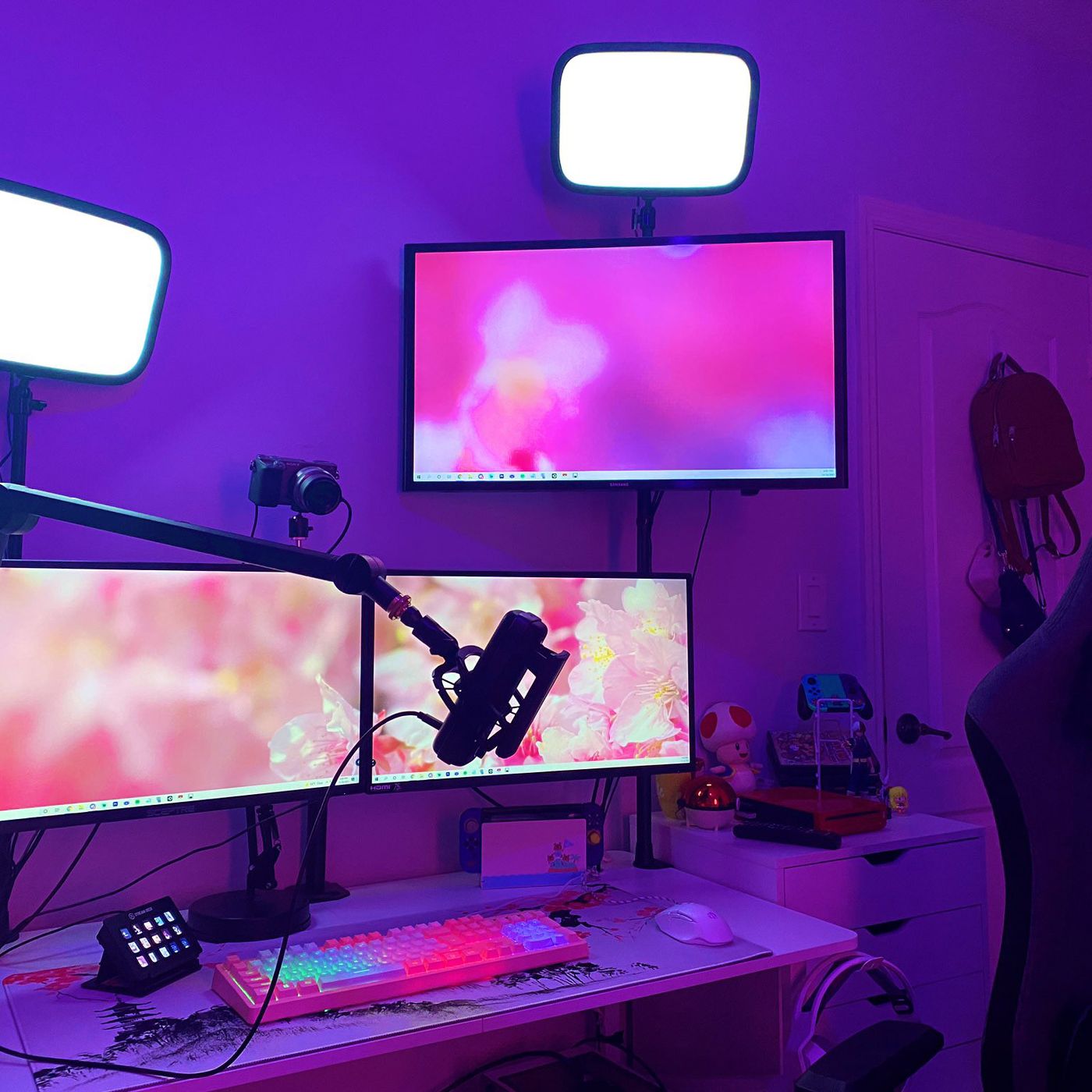
Capture & Expansion
Inside the system, I run a Blackmagic Design HDMI capture card, which opens the door to external cameras, consoles, and dedicated video feeds. This is what turns a simple desk setup into a production environment.
Multiple monitors tie everything together—stream preview, chat, audio meters, timelines, automation panels—all visible at once. No alt-tabbing. No guessing.
The Bottom Line
This setup is about control, reliability, and speed. When you remove technical bottlenecks, creativity flows. I can record, stream, edit, and experiment without worrying whether the system can keep up—because it was built to handle more than I’ll ever throw at it.
That’s the difference between using tools and engineering a workflow.